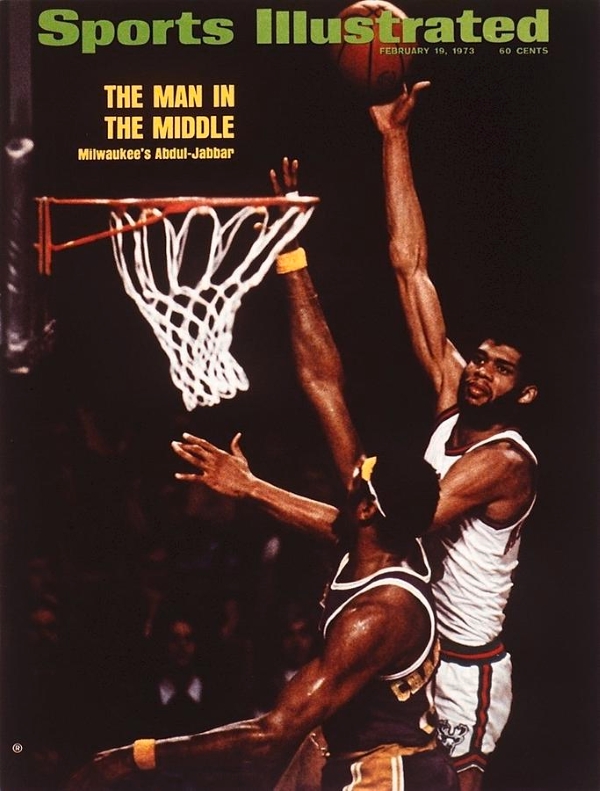
When I was a young basketball player I tried to copy the style of Kareem Abdul Jabbar. After a while I developed a very passable version of his Sky Hook.
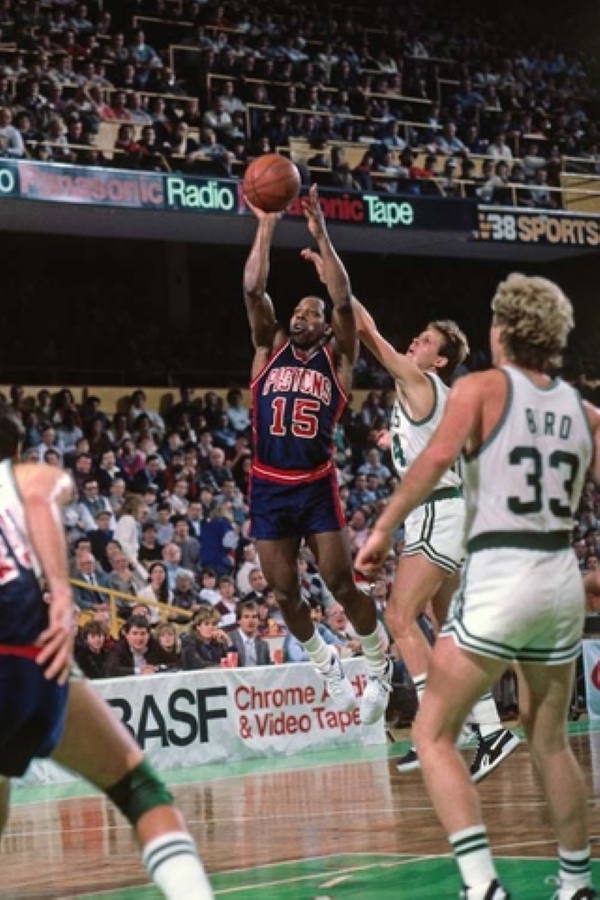
When it became clear I wasn’t going to grow to be over seven feet tall I changed the guy I was copying to Vinnie “The Microwave” Johnson. Vinnie is best remembered as the first guard off the bench for the Bad Boy Pistons of the early 1990’s. He was exciting and he could score in bunches from all over the place, hence the nickname “The Microwave”. He wasn’t much of a three-point shooter but he didn’t let that stop him. And that’s how I made the transition from “big” to “guard”, by copying a guy who was stylistically nothing like Kareem. A whole lot more of my practice time went into shooting jump shots and ball handling rather than Sky Hooks.
I think there are many times in life when learning how to do something that it’s helpful to find someone who’s good at that thing and try to emulate how they do it. It could be any activity from basketball to baking bread. When searching for a model to emulate I need to see their style as attractive and/or efficient, and it should be a style I think I can potentially copy reasonably closely, even if my version is pitched at a lower level.
When playing chess I’ve decided that I play best as a quieter positional player, rather than a player who’s more focused on fireworks and tactics. As a teenager – emphasizing tactics, deep calculation, and using memorization-dependent openings was a realistic way to play. As an adult With Things To Do I’m much happier squeezing opponents positionally until they crack.
In light of that, I used SCID vs PC to make a White database and a Black database for the players I’ve decided I want to try to emulate. I don’t think it’s a perfect list, but it does allow me to go to the Tree Window in SCID, look up a specific position, and see how it was played by my group of model grandmasters. The model grandmaster list is below, with a little (partially AI generated, then edited by me) blurb that describes a bit about how each one plays.
I’m sure I’ll add/remove guys from the list over time. But for now it’s enough total players, both old and new, that it should cover most situations I’m likely to run across over the board. It’s also enough of a sample size for Wisdom Of The Crowds to kick in. My nickname for the group is “The Posse”. As in: “Let’s see what The Posse has to say about this position”. I think the name is fun and irreverent, so there it is:
| Adams | deeply strategic, focusing on building small, incremental advantages without taking unnecessary risks |
| Andersson | extreme positional solidity, elite prophylaxis, and a “slow squeeze” technique |
| Botvinnik | grip his opponent in a vice straight from the opening, then squeeze him methodically |
| Capablanca | supreme simplicity, incredible speed, and profound positional understanding |
| Dorfman | highly structured, positional, and “algorithmic” approach to chess |
| Dreev | active positional style |
| Fischer | uncompromising, aggressive, and highly principled approach |
| Gelfand | positional and classical player known for deep strategic understanding, precise maneuvering, endgame |
| Giri | solid, positional, and deeply theoretical style of play |
| Karjakan | supremely solid, defensive, and positional player “Minister of Defense” |
| Karpov | improved his position by positional understanding. Few risks, few mistakes “Boa Constrictor” |
| Leko | “cemento” (cement), “clean and clear” style focused on extreme solidity, positional mastery, endgame |
| Nimzovich | His approach was strategic, patient, and often aimed at forcing zugzwang |
| Petrosian | extreme caution, deep strategic planning, and an almost impenetrable defense |
| Reshevsky | grinding. “calculating machine” who thrived in complex, closed positions |
| Rubinstein | positional, logical, and technical style, often focusing on accumulating small advantages, endgame |
| Seirawan | positional, strategic, and classical. compared to a “19th-century player” for his complex, slow-burning games |
| Smyslov | harmonious, profoundly positional style, often described as a modern-day Capablanca |
| Tiviakov | “rock-solid” positional style, deeply rooted in the classical Russian school. |
They all play differently. You could (correctly) say that some play very differently from others. But if I can play like a poor-man’s amalgamation of that group with any consistency I’ll be pretty happy with it. To date I’d mostly been “following” Adams, Karpov, and Tiviakov as models. I recently added Capablanca. Those four guys will be the tie-breakers when there’s a difference of opinions in the databases.
None of this is anything I could have conceived of as a teenager. It’s pretty neat that these tools exist now.
In conclusion, a picture of Vinnie because Vinnie deserves some love too. Here he is beating Danny Ainge off the dibble:

 FlatbreadGarden